OptimaLab35
Developed on my forgejo instance, GitLab is used as backup.
Overview
OptimaLab35 enhances OPTIMA35 (Organizing, Processing, Tweaking Images, and Modifying scanned Analogs from 35mm Film) by offering a user-friendly graphical interface for efficient image and metadata management.
It serves as a GUI for the optima35 library, providing an intuitive way to interact with the core functionalities.
Current Status
The program has reached a stable release. All functions have been tested, and there should be no bugs. While there is always room for additional features and optimizations, the core functionality is complete and reliable.
Features
Image Processing
- Resize images (upscale or downscale)
- Convert to different image file (jpg, png, webp)
- Convert images to grayscale
- Adjust brightness and contrast
- Add customizable text-based watermarks
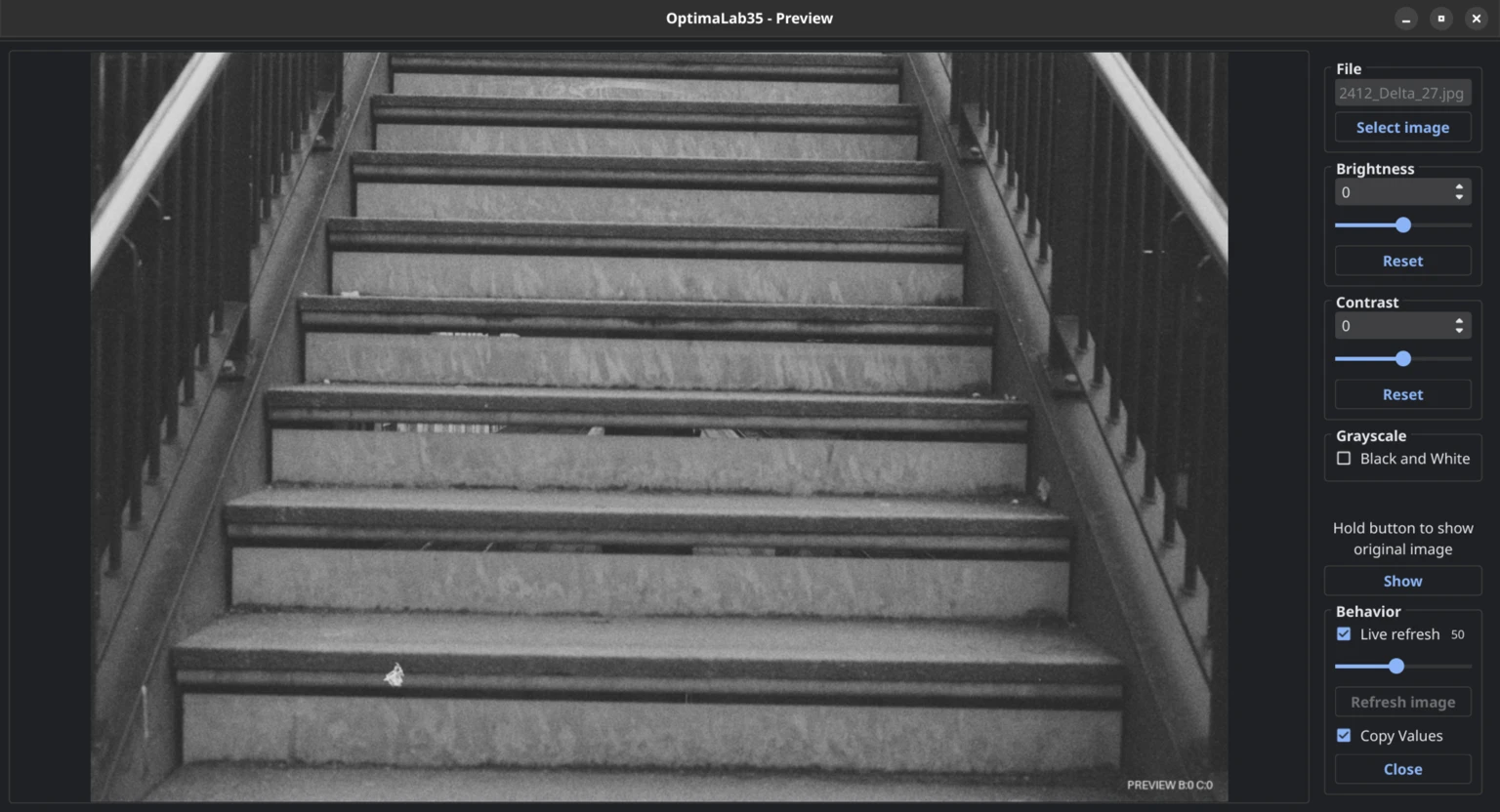
Image Preview
- Load a single image and see how changes in brightness and contrast affect the image
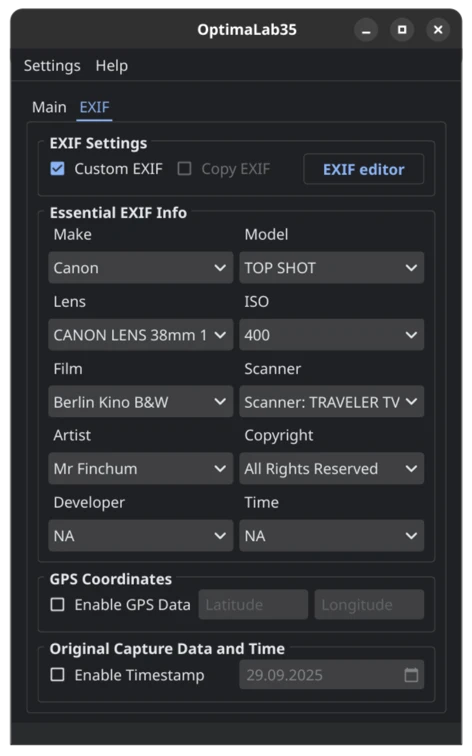
EXIF Management
- Add EXIF data using a simple dictionary
- Copy EXIF data from the original image
- Remove EXIF metadata completely
- Add timestamps (e.g., original photo timestamp)
- Automatically adjust EXIF timestamps based on image file names
- Add GPS coordinates to images
Settings
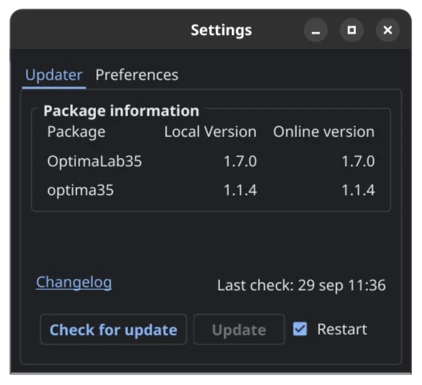
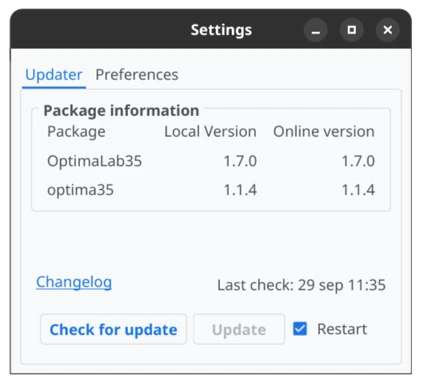
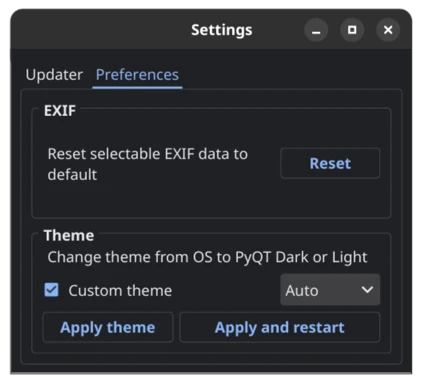
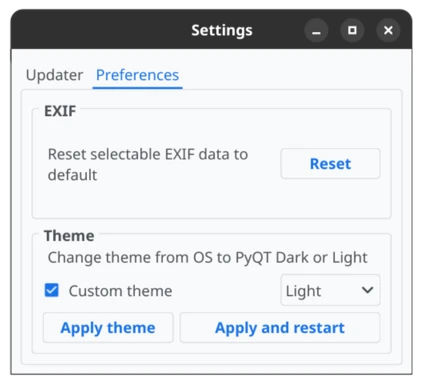
- Option to use
PyQtDarkThemeand select Dark, Light, or auto theme - Checks for updates on PyPI, automatically downloads and installs the latest version
Installation
Install via pip (dependencies are handled automatically):
pip install OptimaLab35
OR
with my install script that uses micromamba to setup and env and create desktop shortcut, read more here.
"${SHELL}" <(curl -L https://code.boxyfoxy.net/CodeByMrFinchum/OptimaLab35-installer/raw/branch/main/OL35-installer.sh)
Tip: You can paste the URL into your browser to review the script before running it - you should never blindly execute random scripts from the internet.
Performance Note
I recommend using standard Python rather than PyPy. I ran a small-scale test measuring how long it took to convert images using Python 3.13.2 and PyPy 7.3.15 (Python 3.9.18). Surprisingly, Python was 2-5% faster than PyPy. This is most likely because the program uses PySide6, which relies on CPython extensions that do not benefit from PyPy's JIT optimizations. Additionally, since the program uses PySide6's multithreading, we actually lose performance under PyPy.
Troubleshooting
At this time, there is no direct contact method available. However, since this repository is mirrored on GitLab, you can report any issues or bugs by opening an issue there. I will receive a notification and respond as soon as possible.
Ubuntu and Derivatives - qt.qpa.plugin Error
Users running Ubuntu or its derivative distributions (such as Zorin OS, Linux Mint, etc.) may encounter an error with PySide6 (6.5.0) related to the Qt xcb platform plugin. This issue occurs when the required library libxcb-cursor0 (or sometimes xcb-cursor0) is missing.
To resolve this, install the package using the following command in your terminal:
sudo apt install libxcb-cursor0
Note: Depending on your distribution, this package might not appear in the graphical software center, as many of these only display Snap or Flathub applications.
GUI Preview
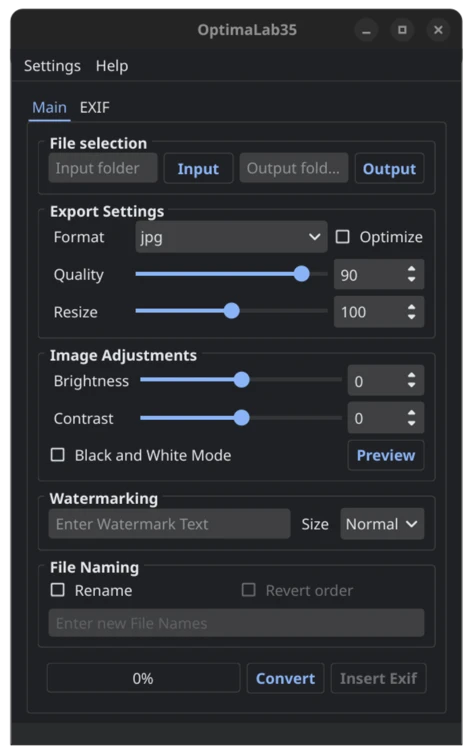
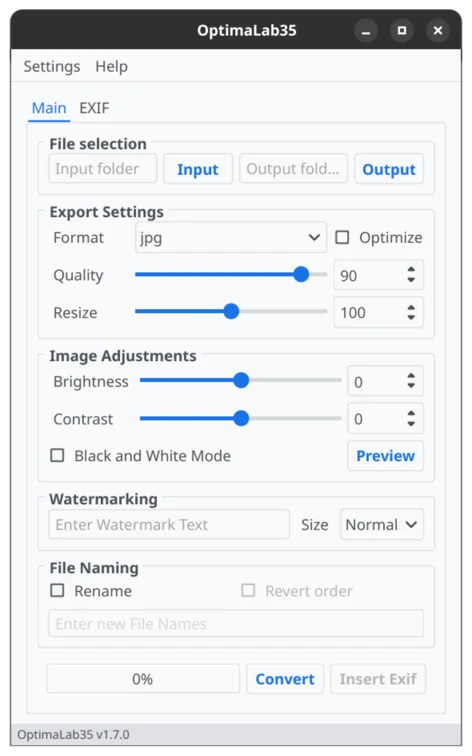
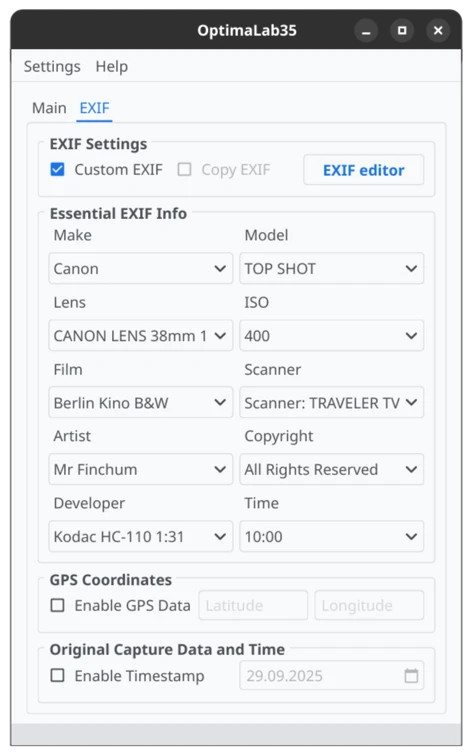
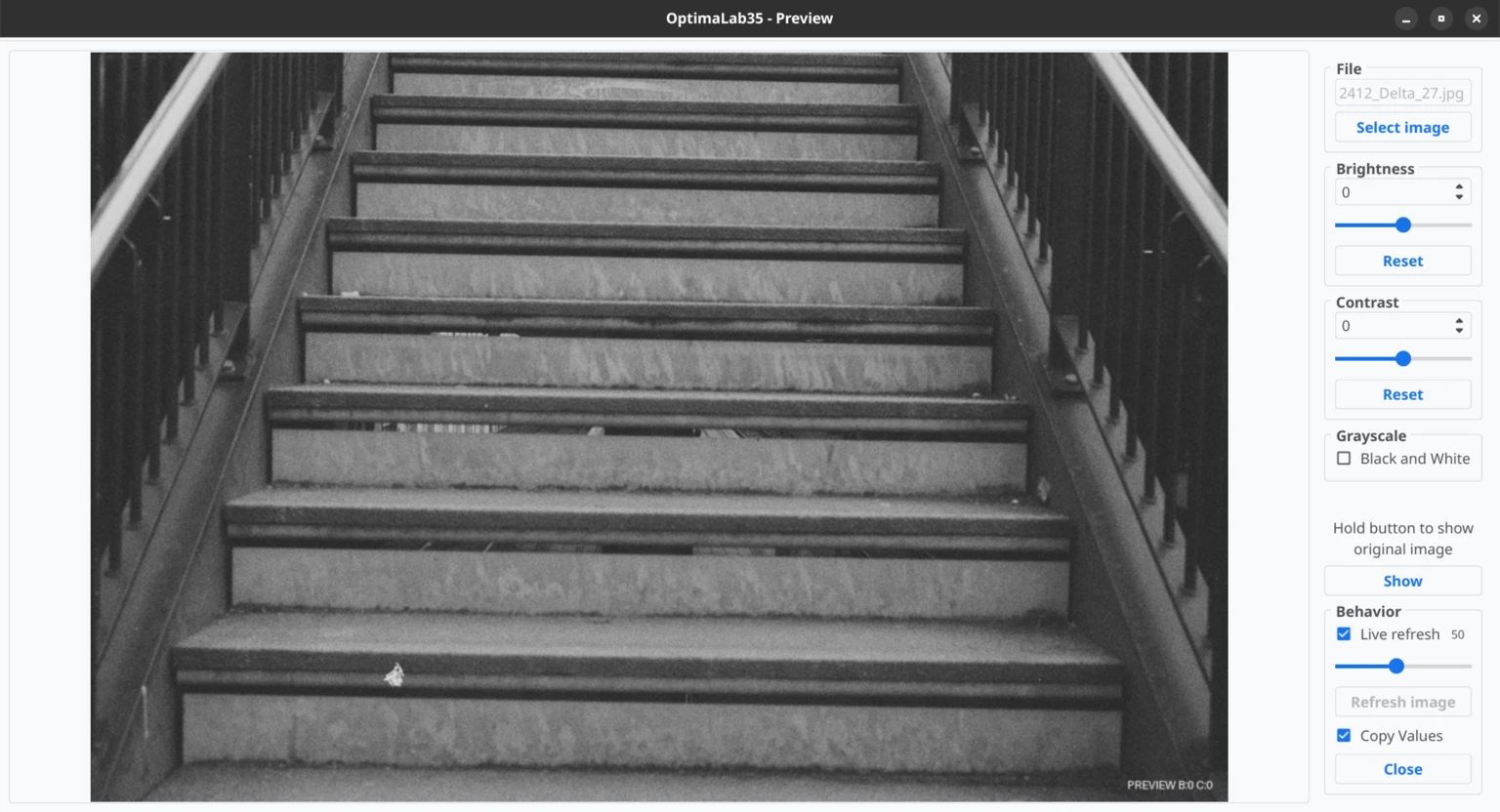
The layout remains consistent with v1.0.0, with minor improvements applied. The preview reflects v1.7. The UI is OS-dependent, but a custom theme can be enabled in the settings. (Minor visual differences may appear across different operating systems.)
Main tab
Exif tab
Preview window
Settings
Updater